
ProfitJam and Shopify both let a business build a website, publish content, sell products and follow up with customers. Shopify organizes its tools around commerce: the storefront, checkout, orders and the work of running a store. ProfitJam brings website design together with content, lead capture, customer records and marketing workflows.
This comparison covers the website and marketing capabilities that overlap. Shopify’s wider retail operations, such as stock, shipping and in-person selling, need their own requirements check. A catalog and checkout alone do not establish that two platforms can run the same retail business.
How do the website builders compare?
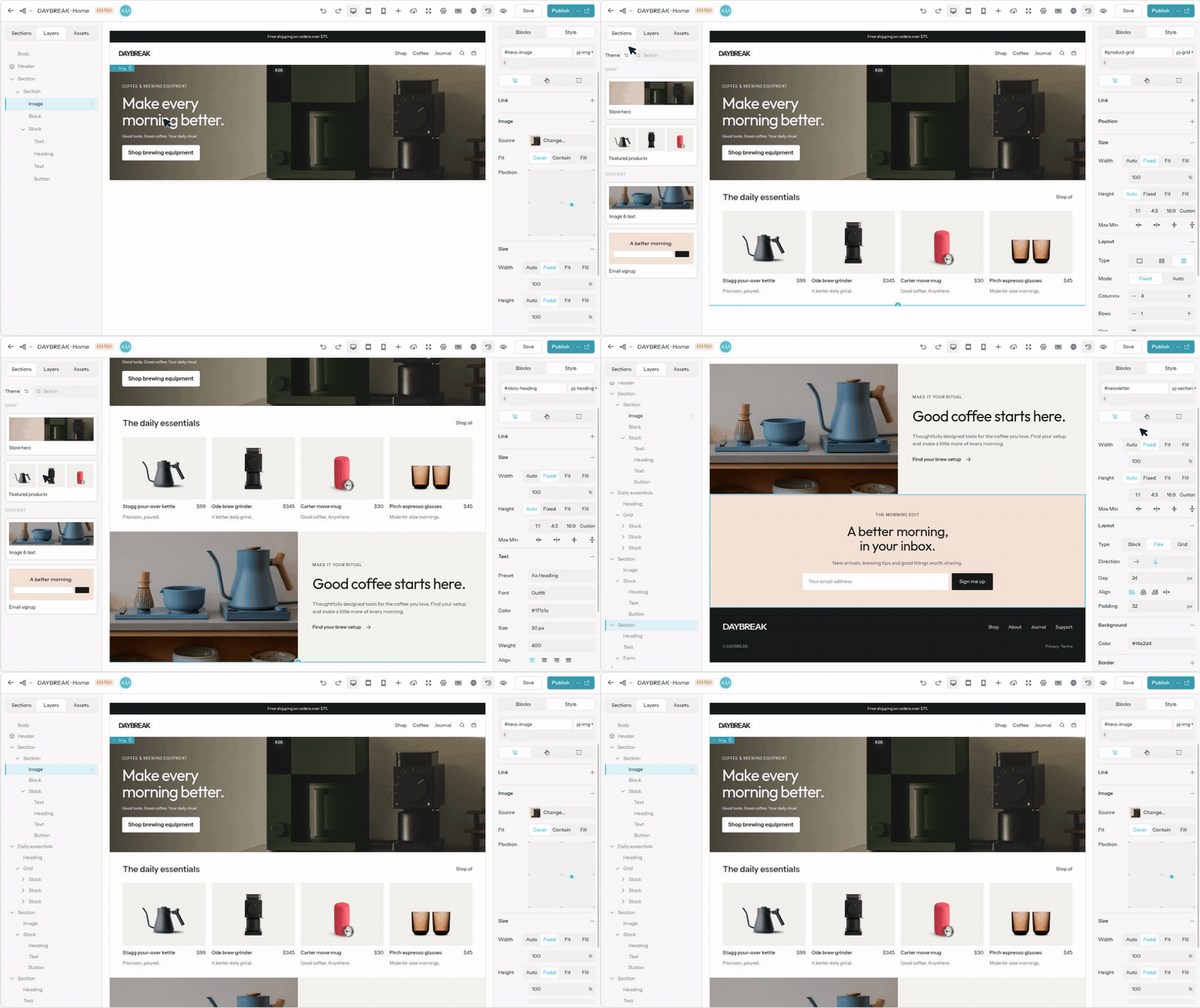
ProfitJam’s visual website builder provides page structure, grids, spacing, typography, responsive controls and connections to content and products. You can start from a kit, build a custom layout or use a compatible AI assistant for supported editing tasks.
Shopify’s online store uses themes and a visual editor to build storefronts, product pages and supporting content. AI tools can help with store design, while custom code and developer tools support more specialized requirements. When comparing design flexibility, test the actual theme or approach you plan to use, including mobile layouts and product options.
What matters most for selling products?
Shopify brings together products, checkout, order management and a broad commerce ecosystem. Its plans and commerce tools cover online selling and options for in-person retail. Shipping, locations, payment availability and other requirements depend on your business and setup.
ProfitJam provides catalogs, orders and checkout with a connected payment provider alongside the marketing workspace. That can support a business selling products or offers from its website. Before choosing either system, walk through a realistic order: product selection, payment, tax, delivery, refund and customer support. Check each requirement directly; do not assume that a shared feature name means the same operational coverage.
Can both publish blogs and other structured content?
Yes. ProfitJam combines blog publishing with collections that hold custom fields and related records. Shopify includes blog publishing, and metaobjects let you define reusable structured content such as people, product details or size guides. These records can be connected to online-store pages. Compare the publishing workflow, page design and data relationships your content needs.
Does Shopify already include marketing tools?
Yes. Shopify Messaging, formerly Shopify Email, is Shopify’s own app for customer messaging, including email marketing. Other channels and features have their own eligibility and setup requirements. Customer segments help group customers using store data, and Shopify Flow is Shopify’s own app for workflows involving store events and connected apps. These tools let a store connect customer targeting, messages and operational steps.
ProfitJam’s campaign and content tools bring articles, email and social content together with contacts, forms and follow-up. Media Studio covers graphics, videos, presentations and guides. The question is whether you want your daily work organized around store activity, a broader marketing campaign, or a combination of both.
How does AI use business context?
Shopify Sidekick works with store context to help with tasks such as content, analysis and store operations. Its capabilities include remembered preferences and skills. The available tools, permissions and review steps determine what it can do in a particular store.
ProfitJam’s Business Brain stores your audience, offers, positioning and brand voice for supported AI work. Compatible assistants can use supported app tools through MCP, an approved connection between an assistant and the platform. Configured AI agents and sequences can handle research, content or follow-up tasks within their access and spending limits. Both products provide contextual AI; evaluate the actual tasks you want it to complete.
What would a practical campaign look like?
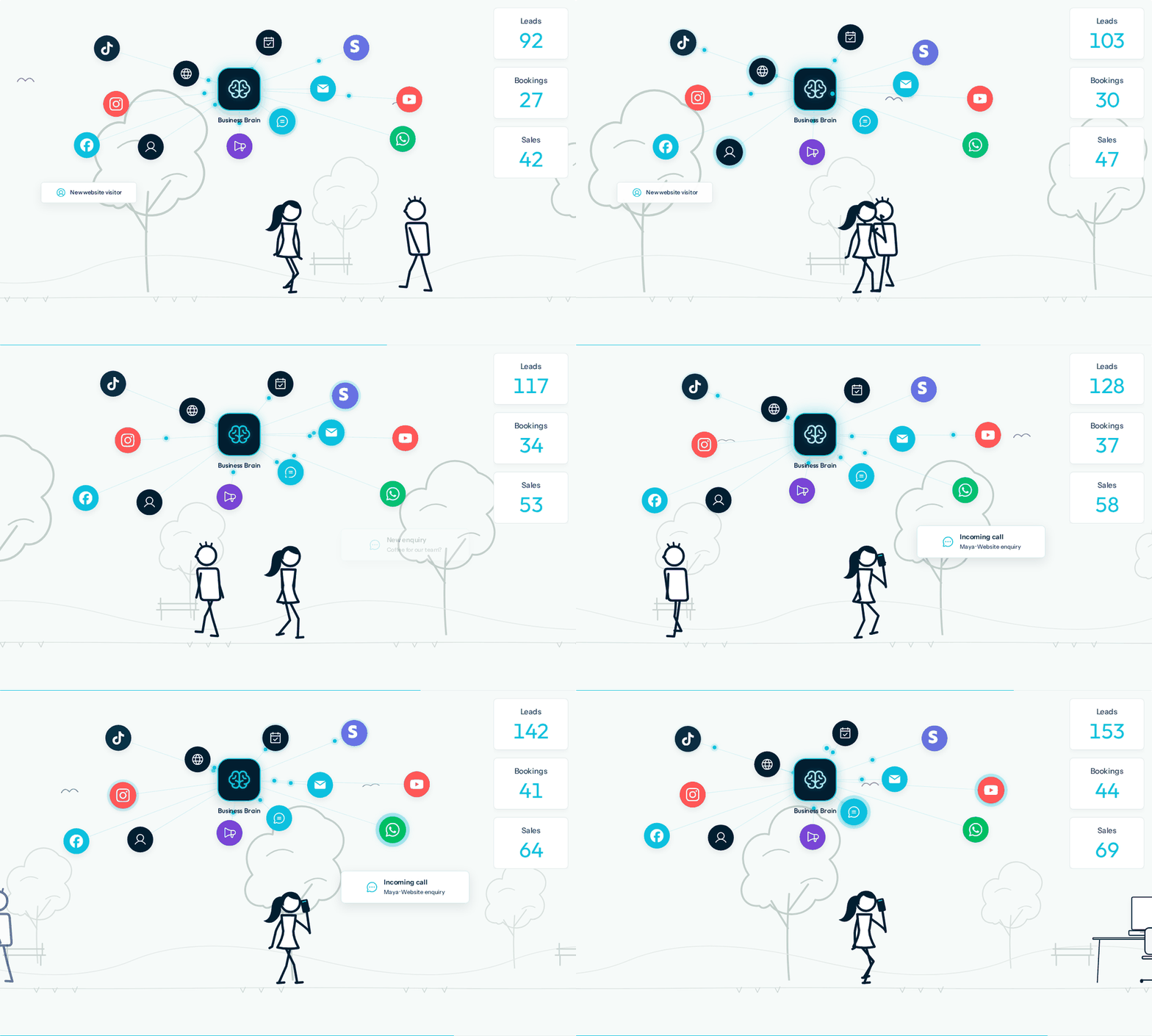
Imagine a business promoting a new product range alongside a buying guide. A ProfitJam workflow could be:
Create the campaign. Prepare a landing page, guide, article and supporting graphics.
Capture interest. Configure a form or assessment to update the visitor’s contact record.
Follow up appropriately. Send consent-based email content or create a task for a teammate.
Review the outcome. Check sign-ups, content engagement and relevant customer activity.
A Shopify campaign can use store products, customer segments, Messaging and Flow to connect promotion with store activity. If Shopify processes the orders and ProfitJam handles part of the marketing, decide which system owns each record and configure any required data exchange. Neither arrangement should be assumed to work without setup and testing.
How should you compare costs?
Include the platform plan, payment processing, relevant transaction fees, messaging usage, apps and any design or operational help. Read Shopify’s current pricing for your country and payment arrangement. ProfitJam’s pricing also depends on plan access, AI credits and allowances, with connected services potentially charging separately. Compare the same selling and marketing requirements, rather than the cheapest advertised entry plan.
Can I keep Shopify and use ProfitJam for marketing?
Yes. You can keep Shopify as your store and use ProfitJam for separate campaigns, hosted pages, content and supported lead-capture tools. Link visitors to the relevant store or offer. Using ProfitJam with an existing website does not by itself synchronize orders, customers or consent; verify the available connection for any information you need to share.
Which approach fits your business?
Start with Shopify when the decision is primarily about running a retail store and its order operations. Consider ProfitJam when the priority is a connected website, content and lead-follow-up workspace that also supports selling. Keeping Shopify for commerce while using ProfitJam for specific marketing work can also be appropriate. Let a complete customer journey and your operational requirements guide the choice.
ProfitJam vs. Shopify: built-in tools and additions
✅ Provided by the platform. ❌ Requires an addition. A cross means an extra app, service or custom build is needed for the named task. Plans, usage limits, setup and required connections apply. Checks show availability, not equal depth. Shopify’s own Messaging and Flow apps count as platform capabilities; both require installation.
Capability | ProfitJam | Shopify |
|---|---|---|
Visual website design | ✅ Visual builder with responsive layouts and content connections. | ✅ Themes and visual editing, with AI and custom development options. |
Blog publishing | ✅ Blog editor and publishing workflow. | ✅ Blog publishing within the online store. |
Custom content records | ✅ Collections with custom fields and relationships. | ✅ Metafields and metaobjects connected to store content. |
Product catalog, cart and checkout | ✅ Catalog, storefront, orders and checkout; connect a payment provider. | ✅ Product catalog, cart, checkout and store operations. |
Customer records | ✅ Contacts, activity and conversations in the workspace. | ✅ Customer profiles and segments based on store data. |
Email marketing campaigns | ✅ Create and send marketing emails from the workspace. | ✅ Shopify Messaging, Shopify’s own app; install it and check usage charges. |
Social scheduling across external networks | ✅ Schedule and publish to supported connected social accounts. | ❌ Add a social scheduling app or service; Shop feed posts are a separate feature. |
Rule-based automation | ✅ Configure sequences with steps, conditions and supported actions. | ✅ Shopify Flow, Shopify’s own app; availability varies by task and plan. |
AI with business context | ✅ Business Brain and compatible assistants using supported tools. | ✅ Sidekick uses store context, preferences and supported skills. |
Presentation and PDF guide editor | ✅ Create presentations and PDF guides in Media Studio. | ❌ Use a separate design app to create these formats. |
Website hosting | ✅ Hosted publishing with plan and usage allowances. | ✅ Hosted online store with plan requirements. |
Additional official sources: Shopify’s social publishing guidance; Shopify social scheduling apps.
Scope note: Shopify’s point-of-sale, shipping and wider inventory operations are outside this shared-feature summary. Assess those separately if your business depends on them.
Reviewed October 21, 2026. Published by ProfitJam, one of the products compared. Sources are the official product and help pages linked above. Product names and logos belong to their respective owners; their use identifies the products and does not imply endorsement.
